Creating an automation rule
You can create automation rules for Meta and TikTok campaigns.
How to create
-
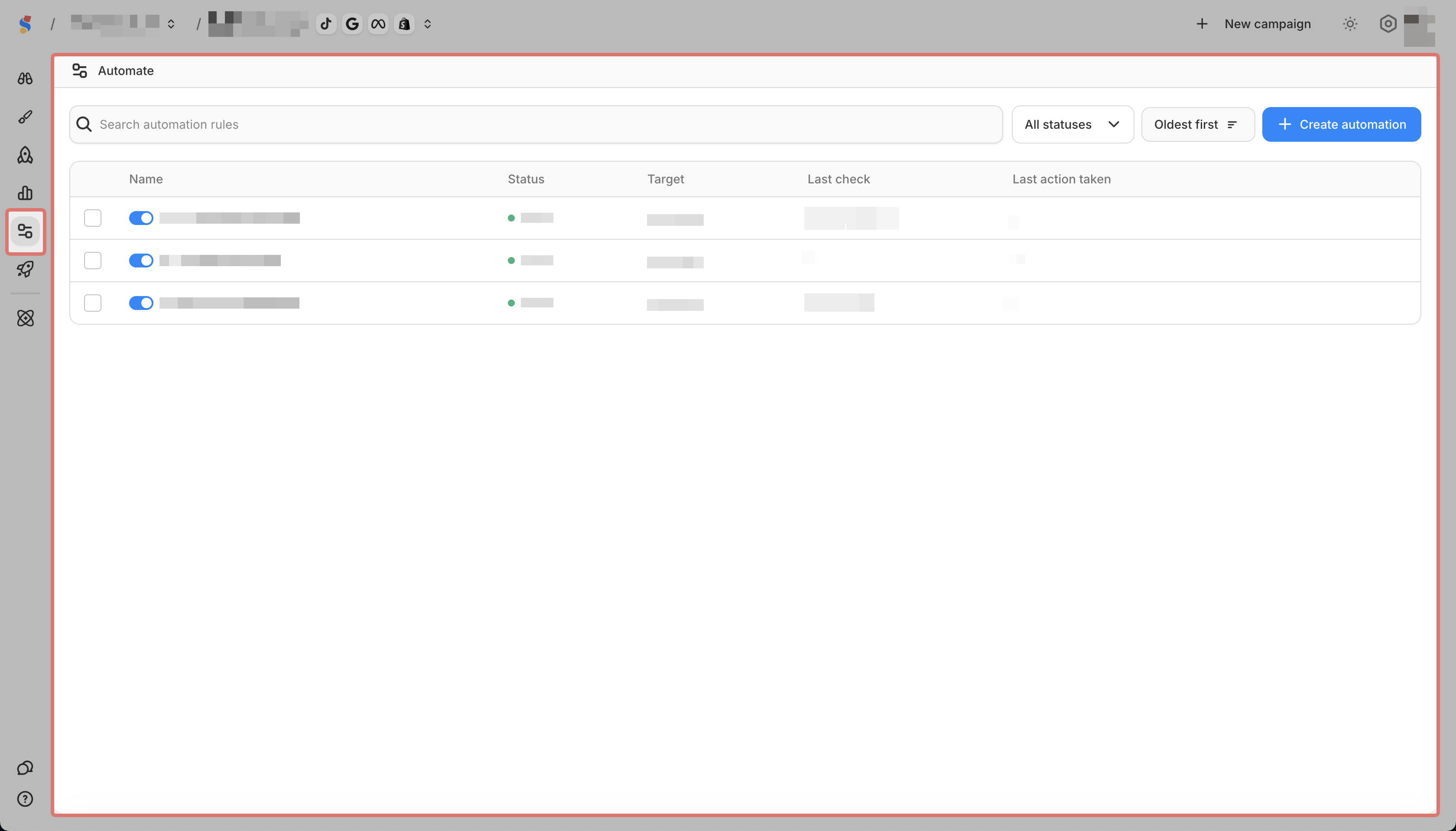
Go to Automate in the sidebar
-
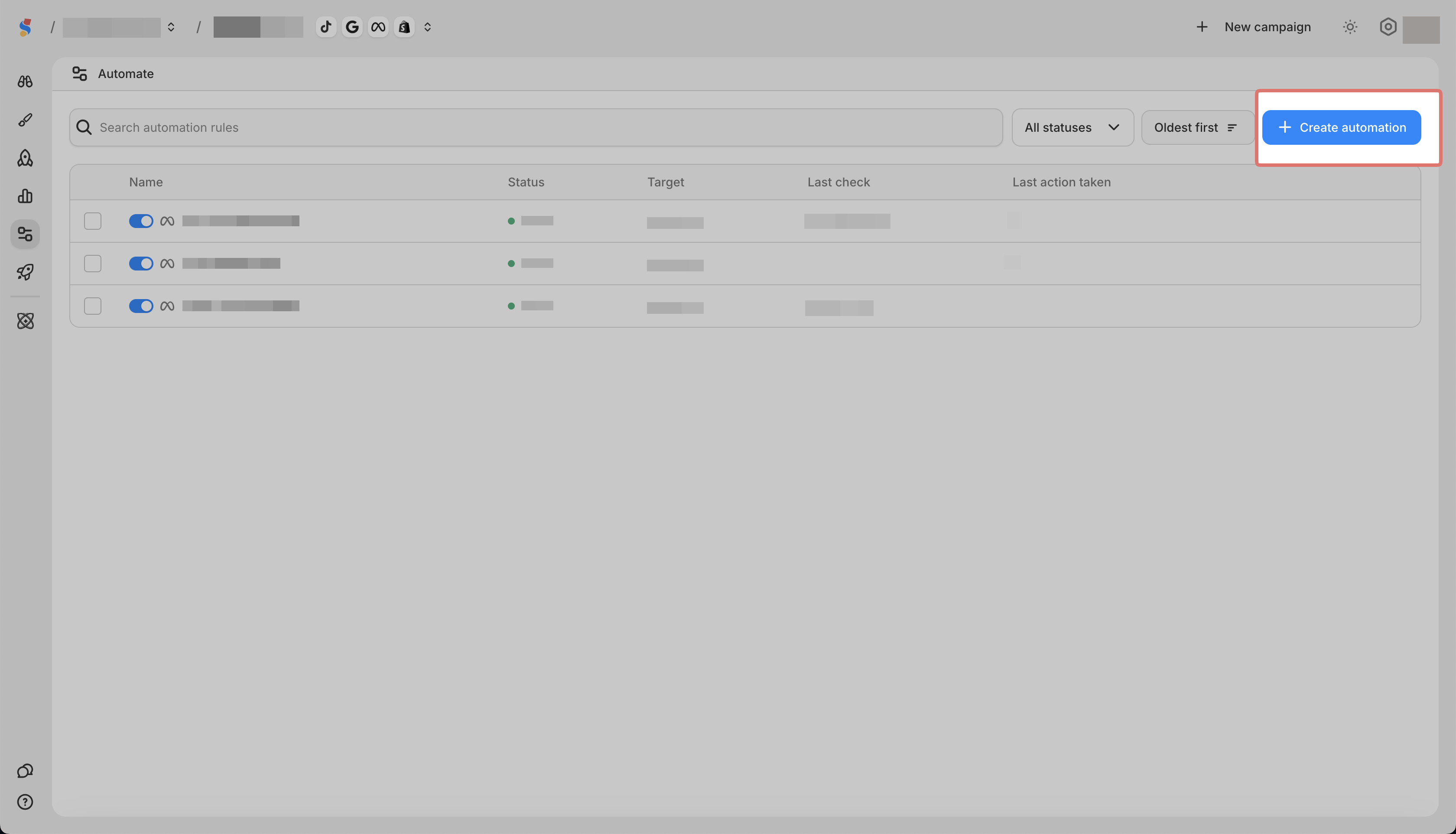
Click Create Automation
-
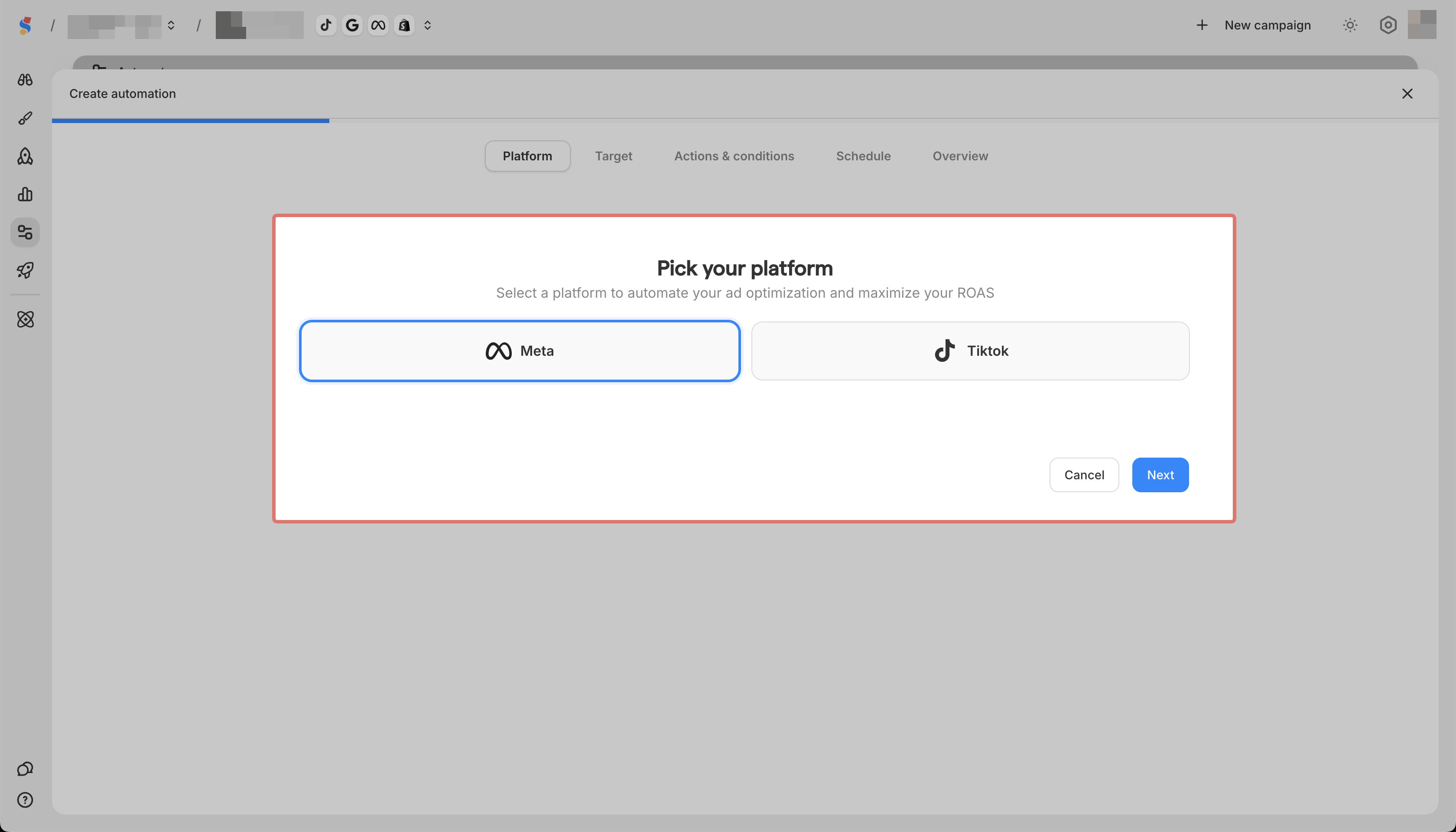
Pick a Platform
-
Set up the name and description for the automation
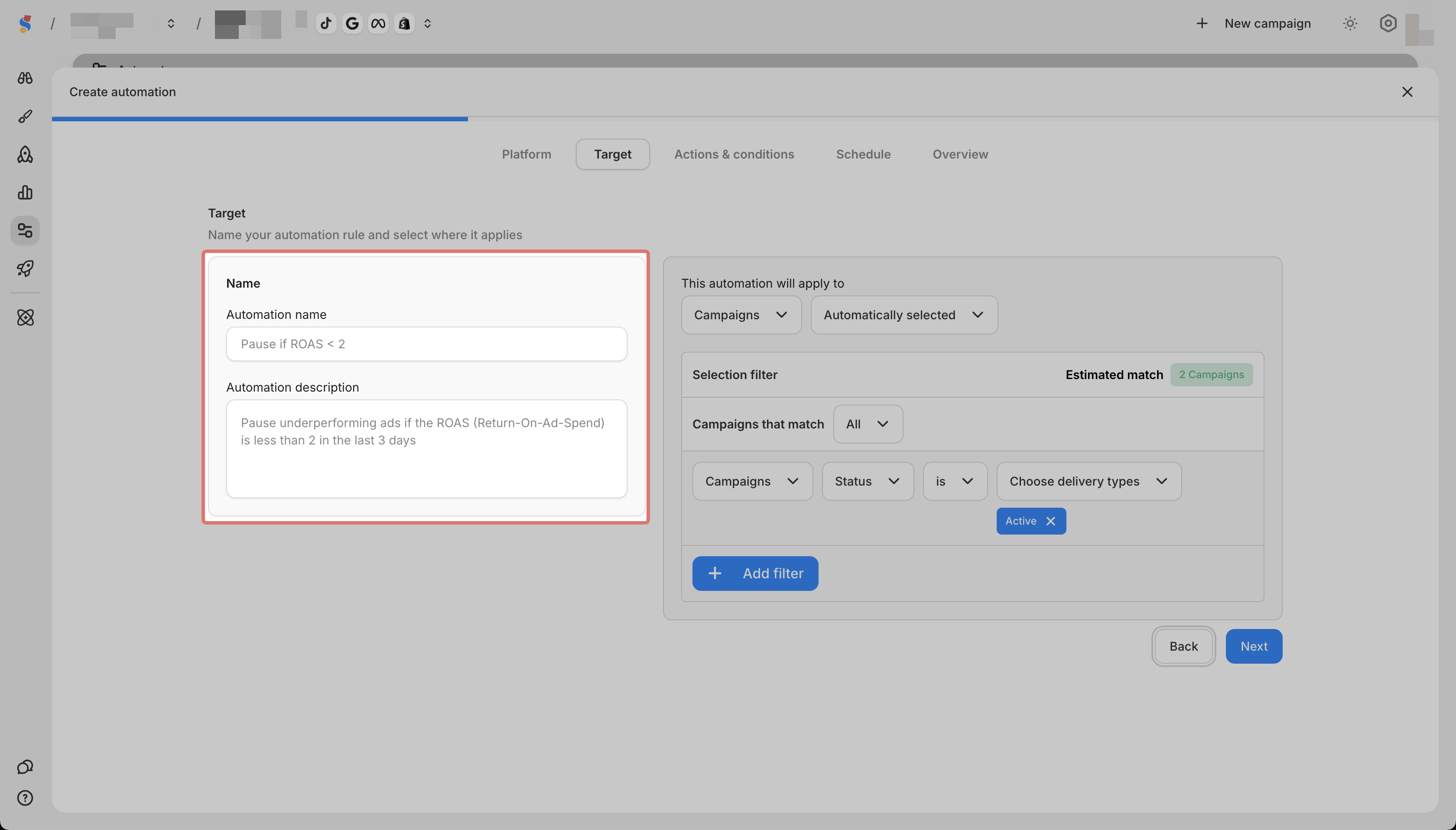
-
Select what to apply the rule to (campaigns, ad sets, or ads)
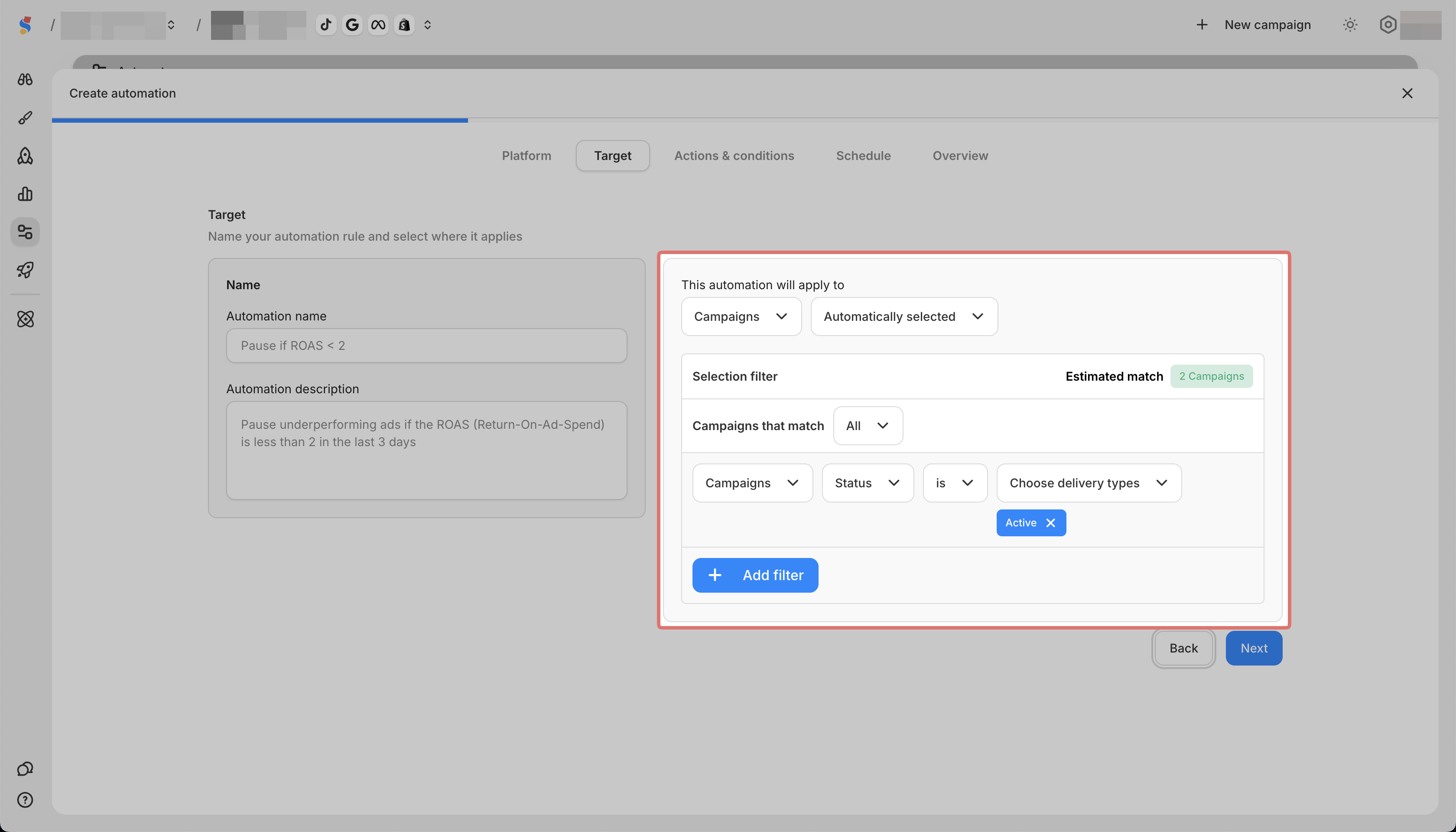
-
Set your condition (metric, time frame, comparison, value)
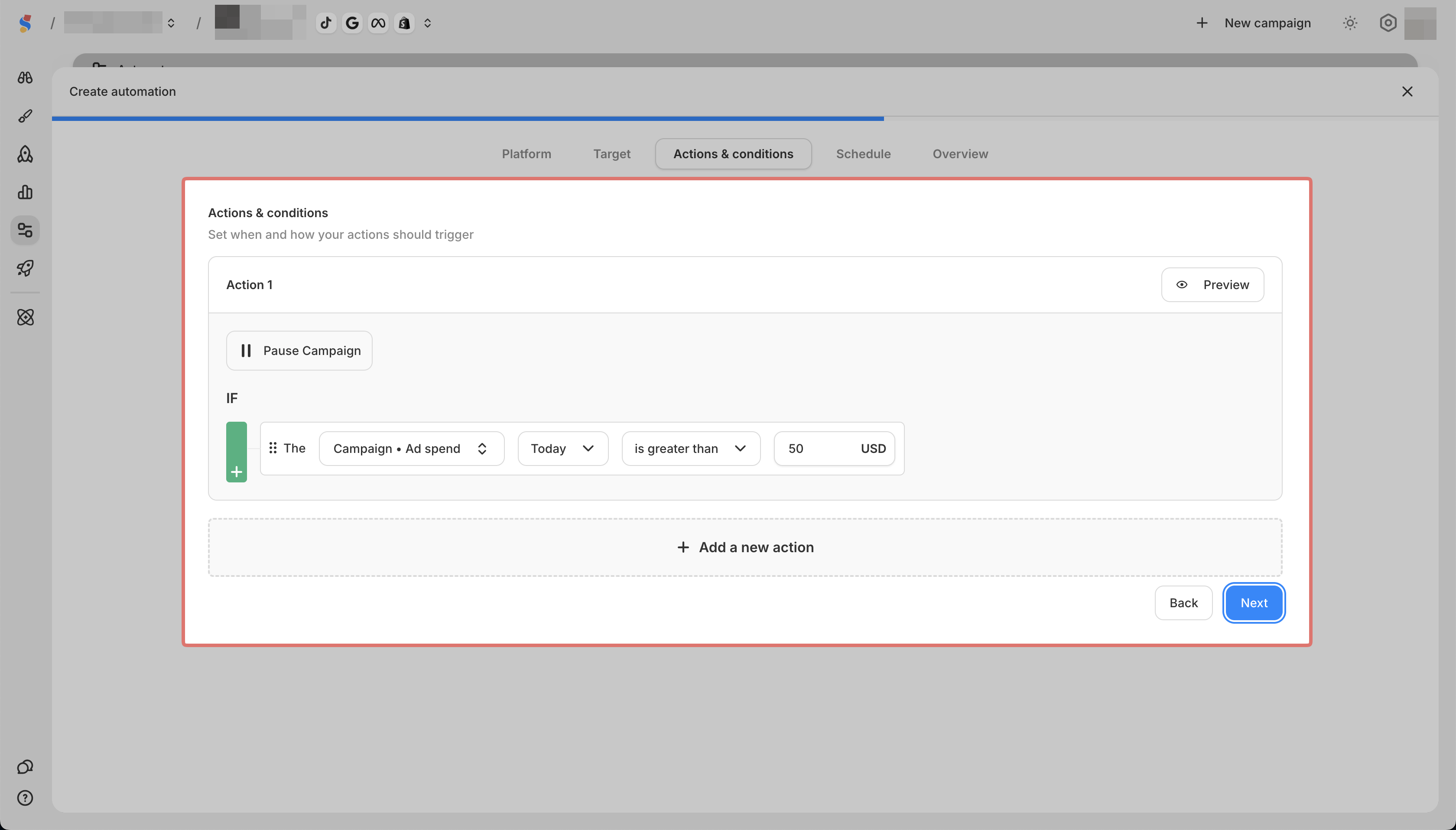
-
Set your Schedule and Notification
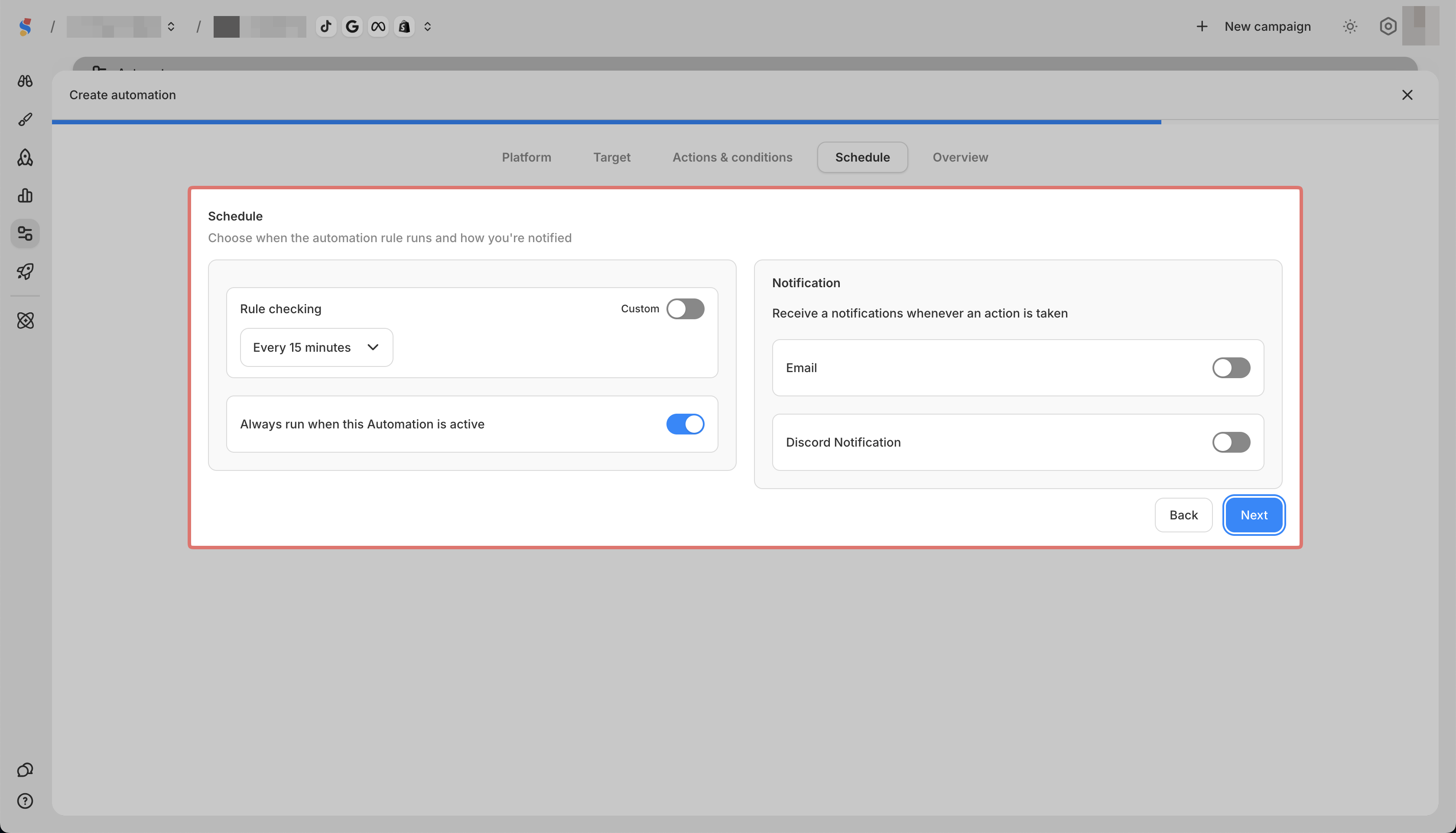
-
Preview the automation details and click on Create
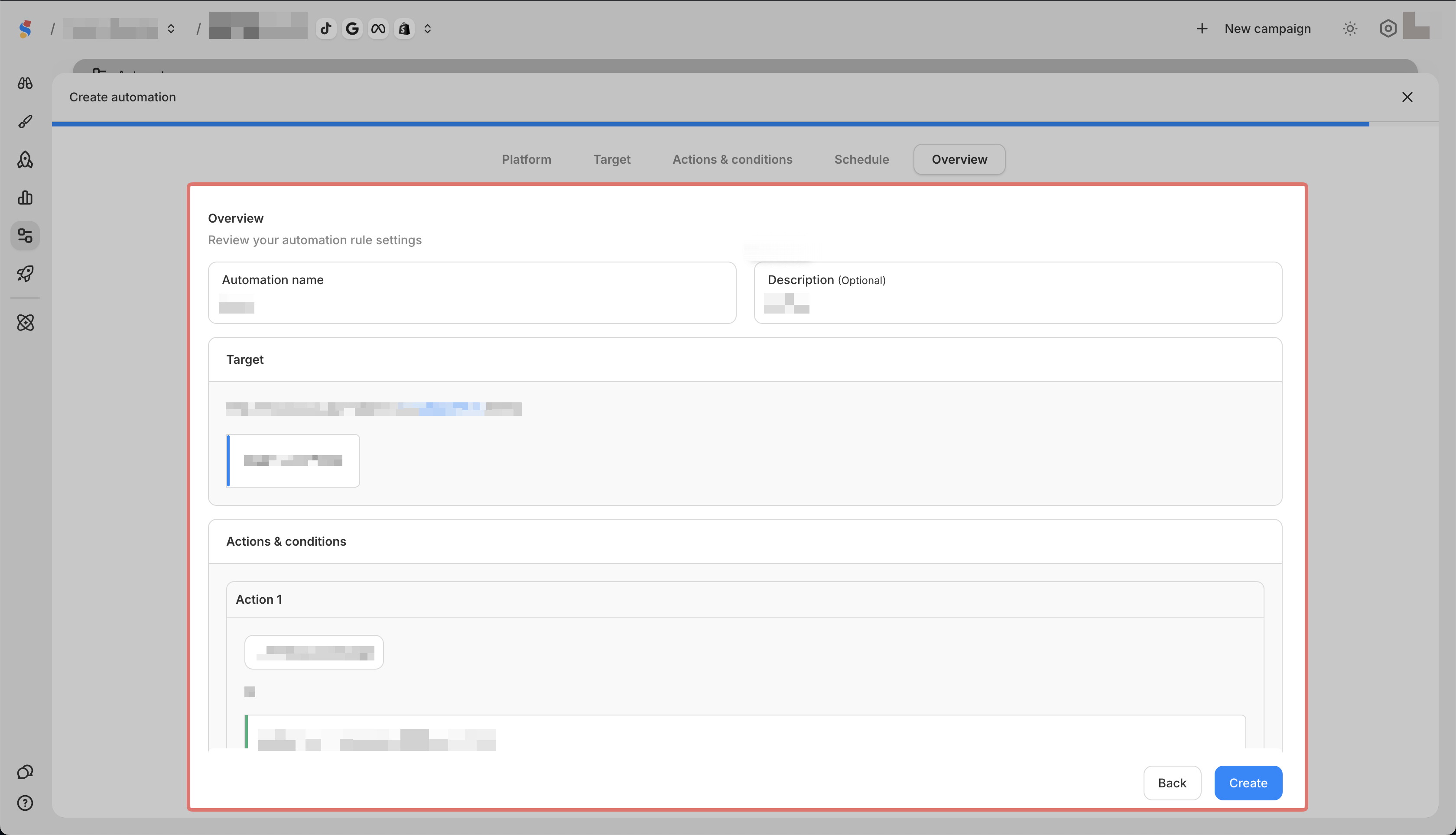
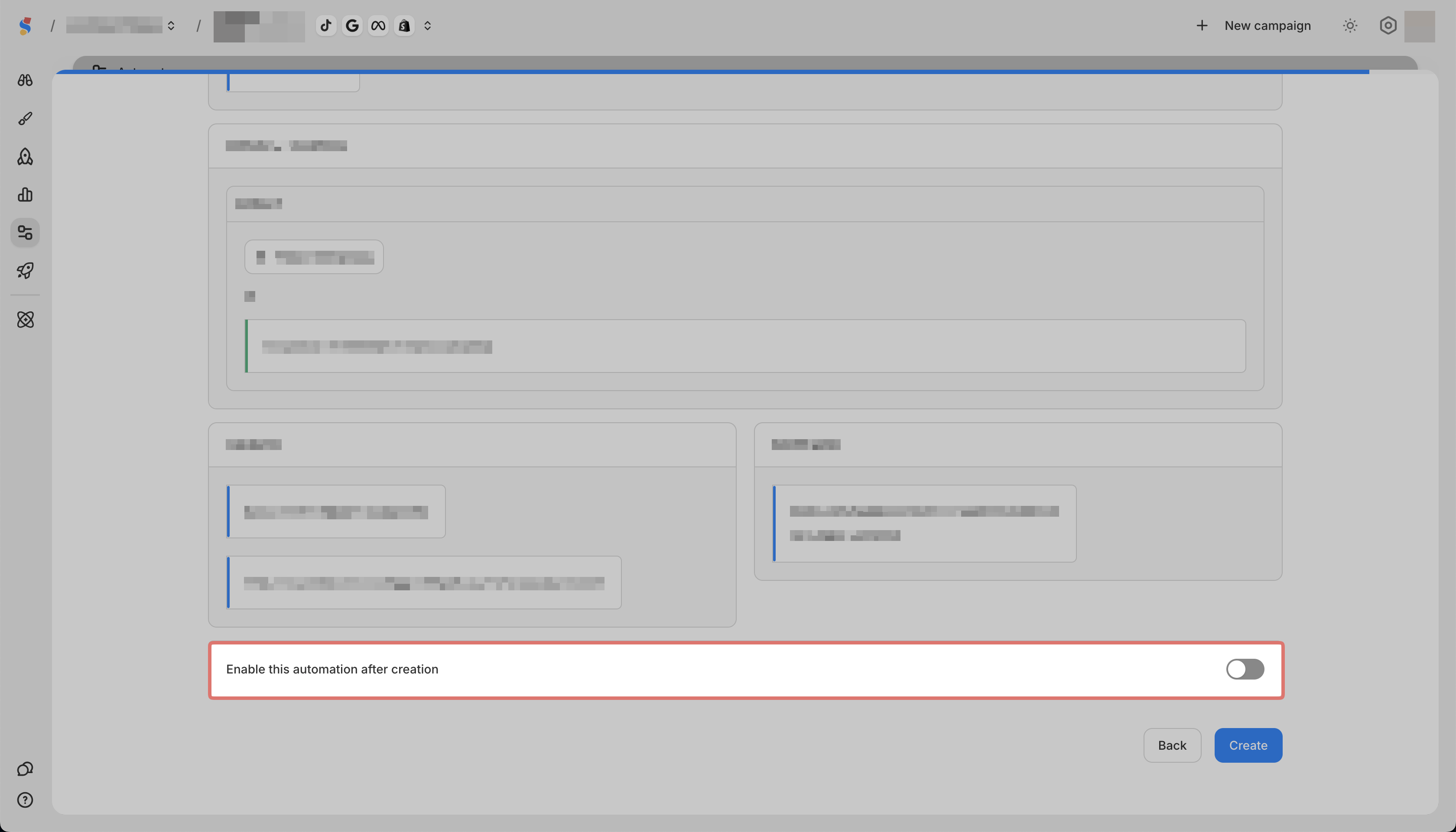
\
Note: If you want the rule to run immediately after creation, you need to switch this toggle on.