Updating your profile
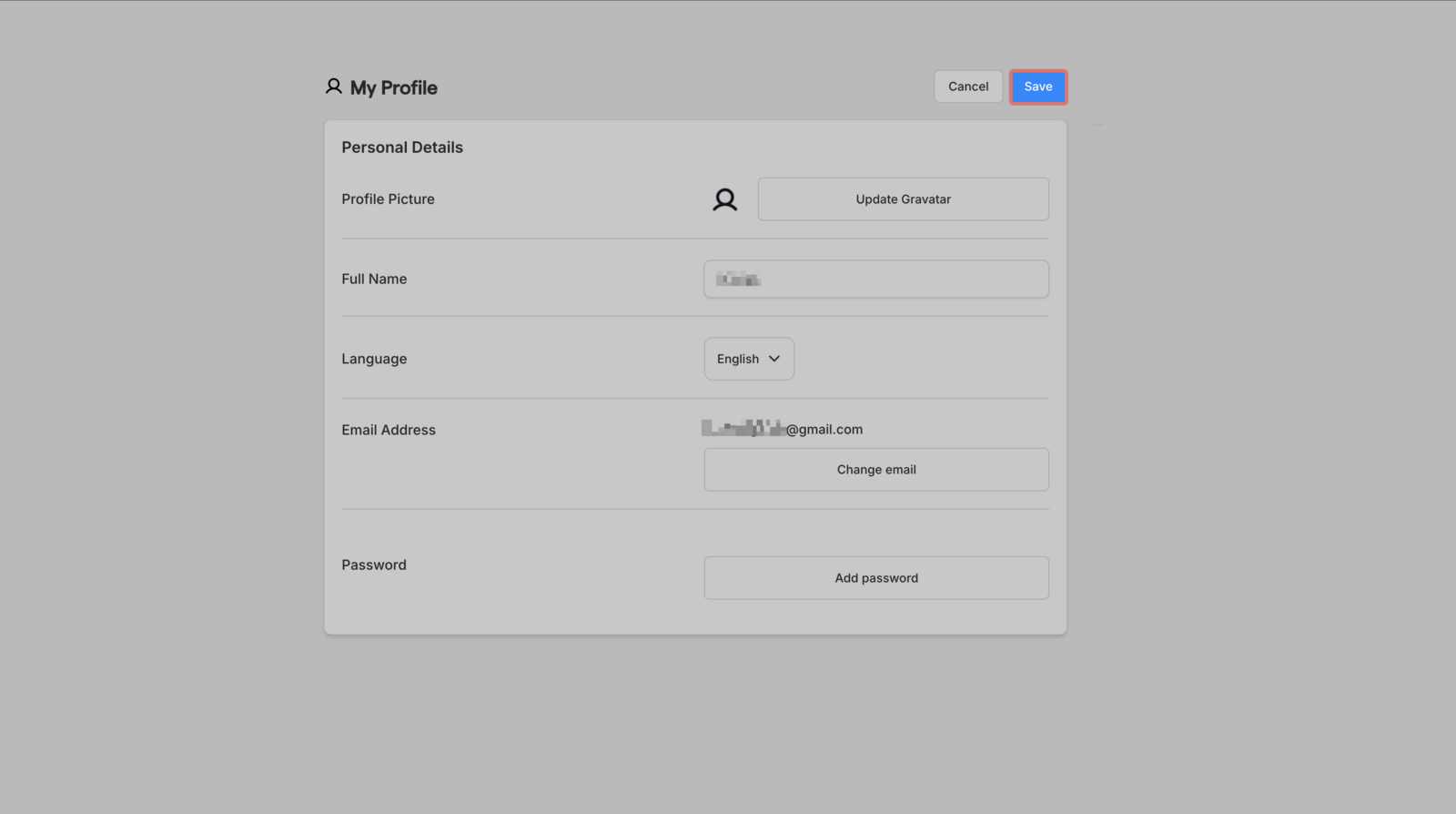
Your profile contains your personal details separate from account settings.
How to update
-
Click your profile icon in the top right

-
Select My Profile

-
Update any of the following:

-
Profile picture
-
Full name
-
Language (English or French)
-
Email address
-
Password
4. Save your changes