Setting User Permissions
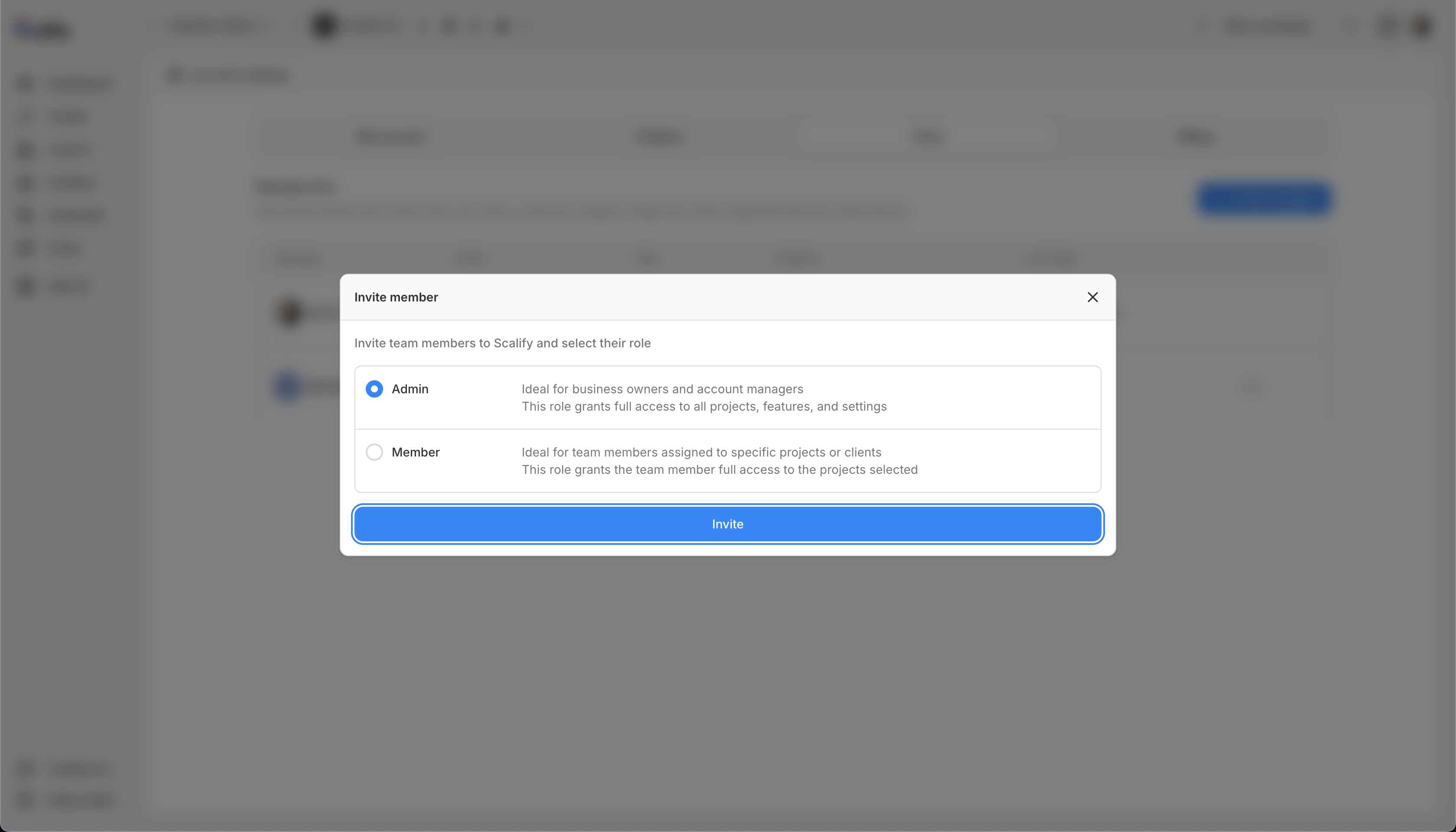
When inviting team members, you set their role and project access.
Roles
Admin
Full access to all projects, features, and settings. Ideal for business owners and account managers.
Member
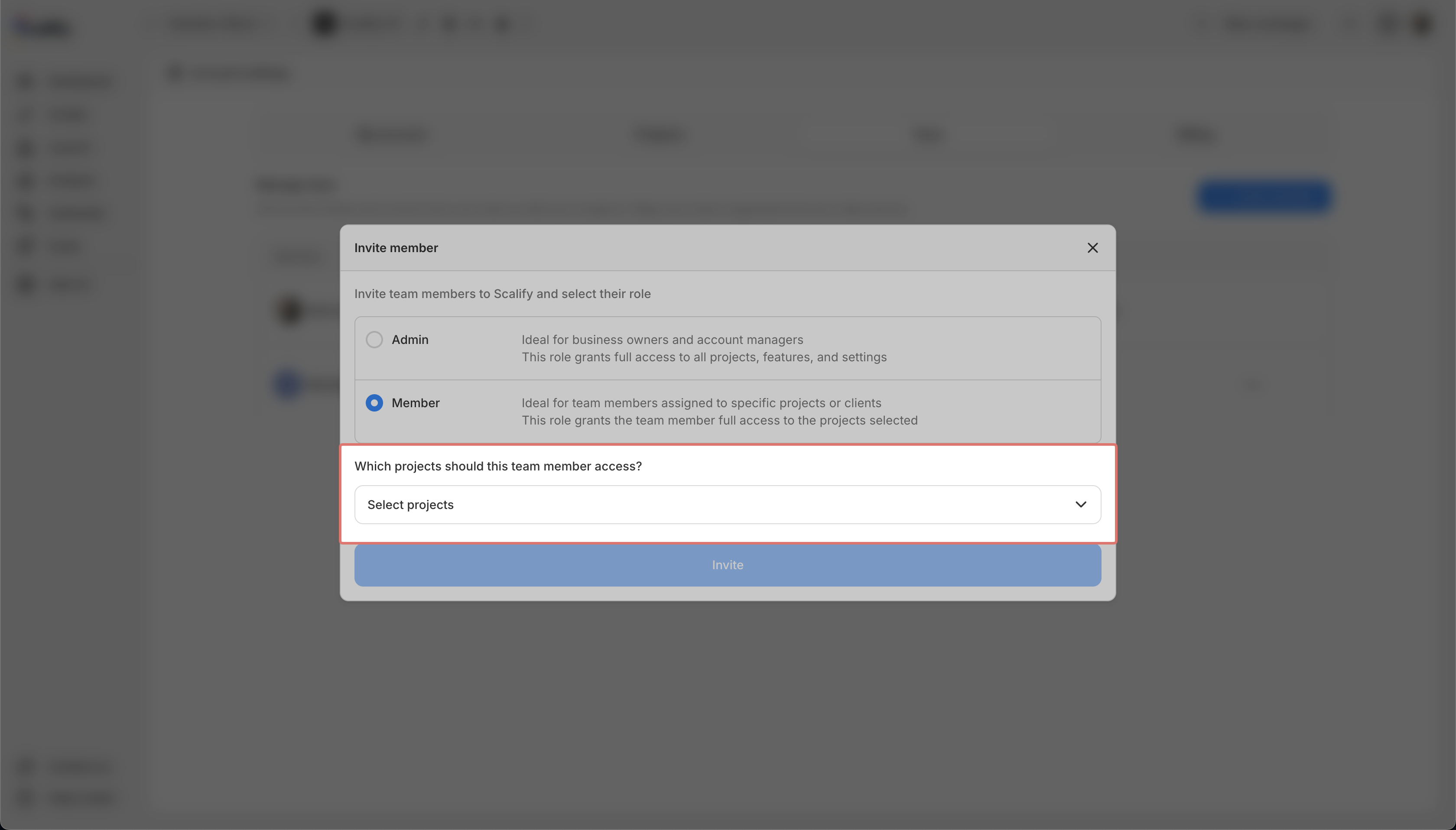
Can perform actions on assigned projects only. Ideal for team members who create ads and view reports.
How to set permissions
-
When inviting a member, select their role
-
If you select Member, choose which projects they can access
-
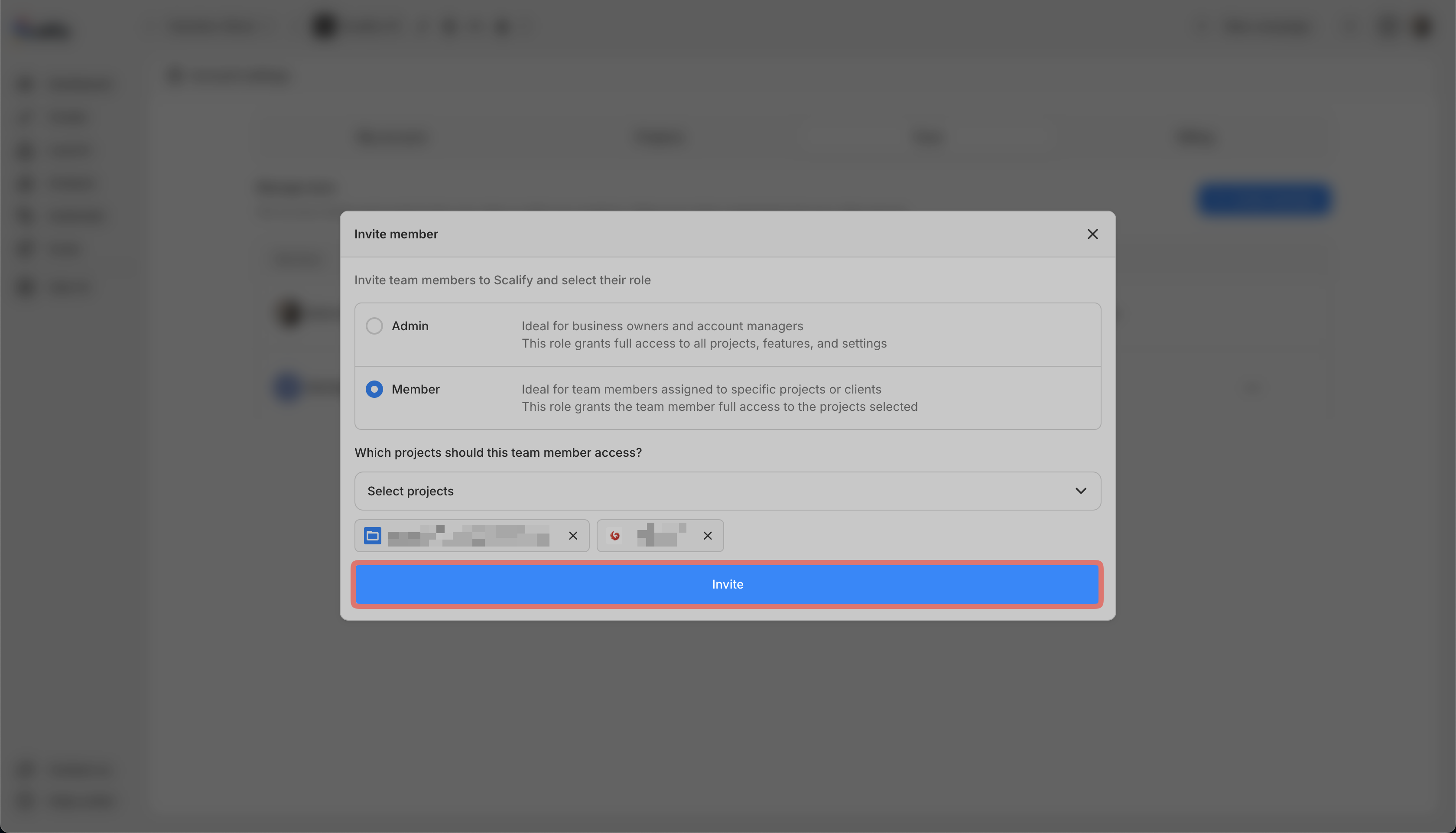
Send the invitation
You can change permissions later from the Team tab.