Managing your Scalify account
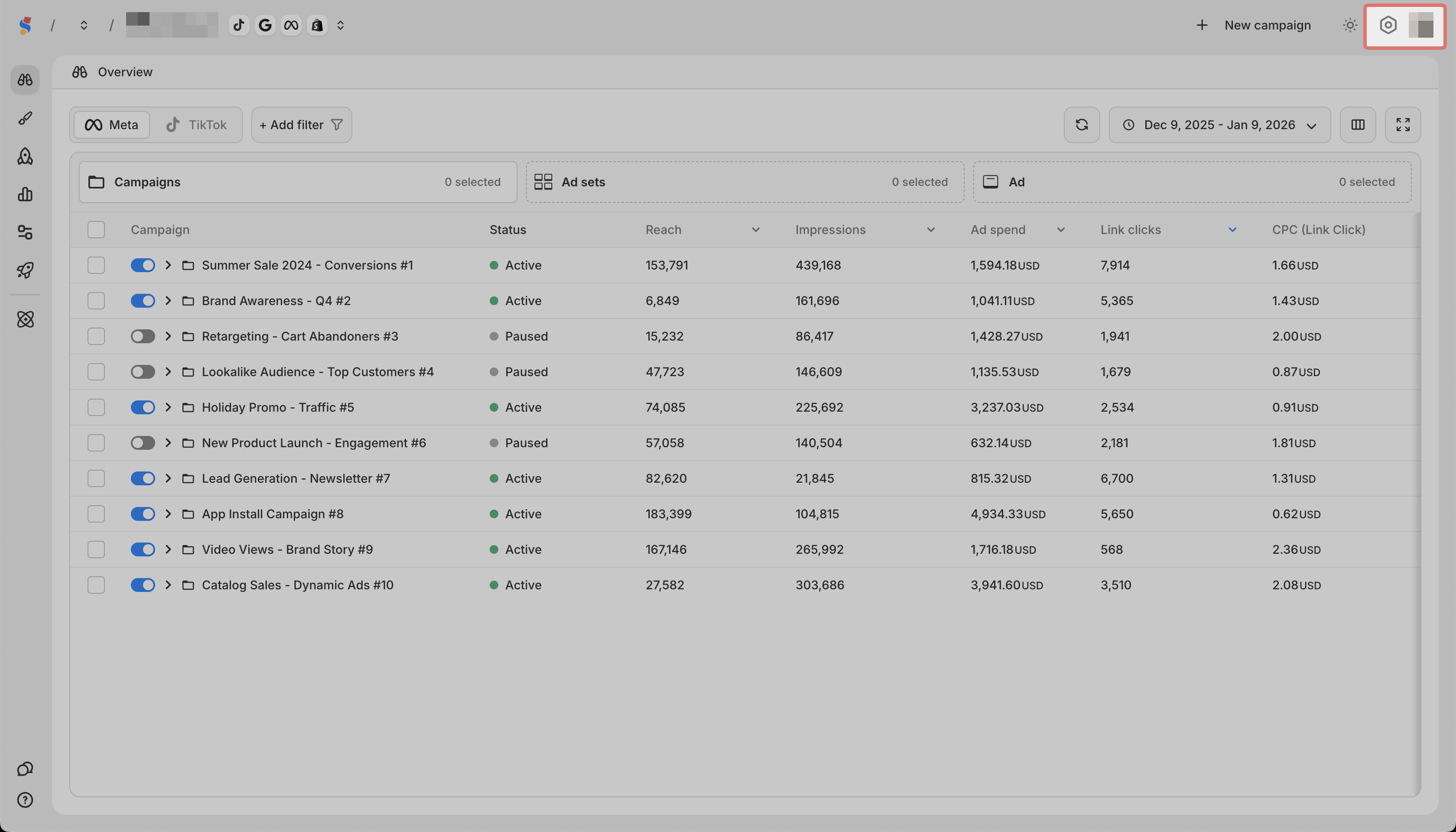
Your account settings are accessed from the gear icon in the top right corner.
Settings tabs
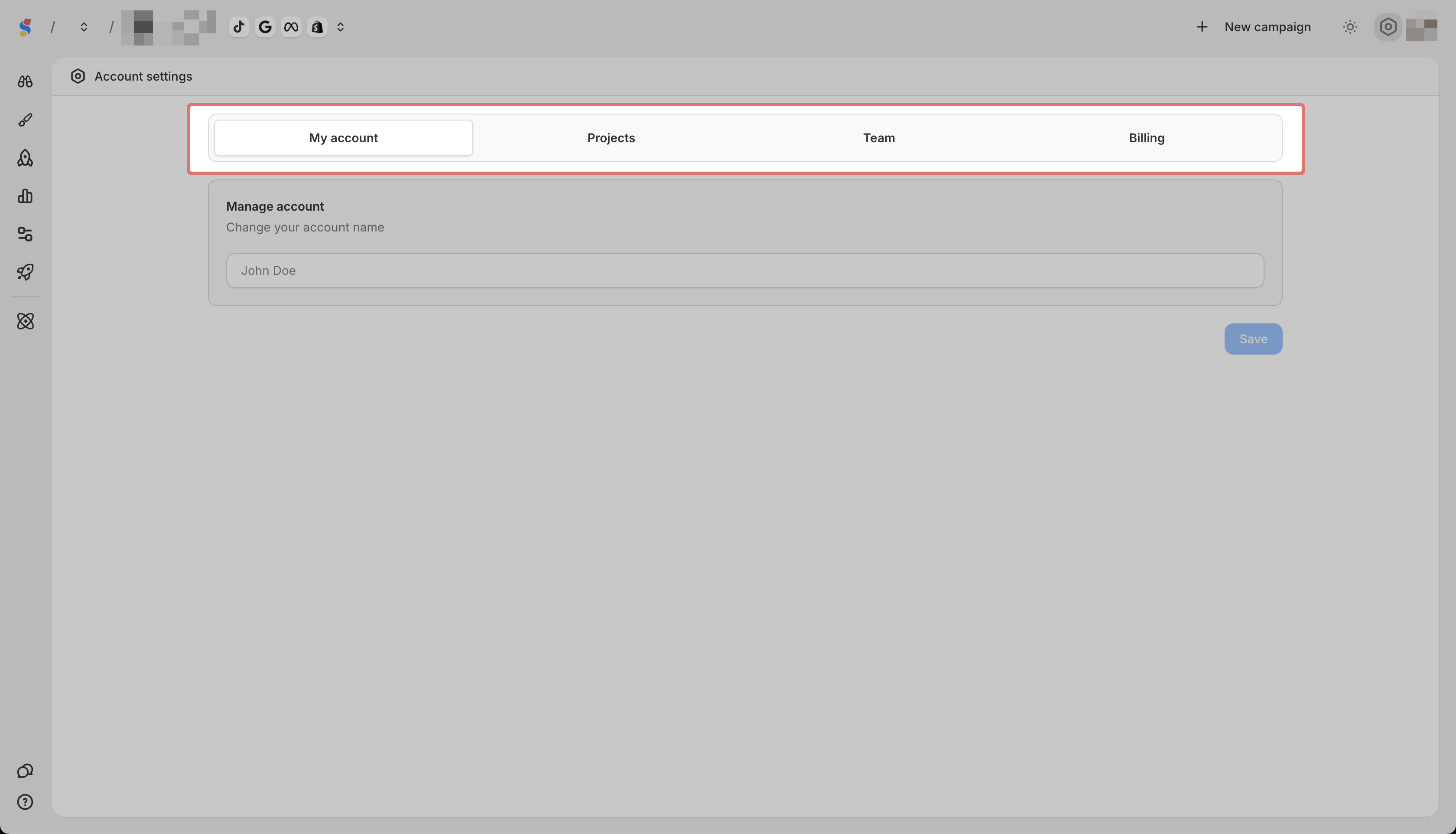
| Tab | What it contains |
| ---- | ---- |
| My Account | Change your account name |
| Projects | Manage projects and connected ad accounts |
| Team | Invite team members and set permissions |
| Billing | Manage subscription, add projects, buy AI credits |
Account Settings
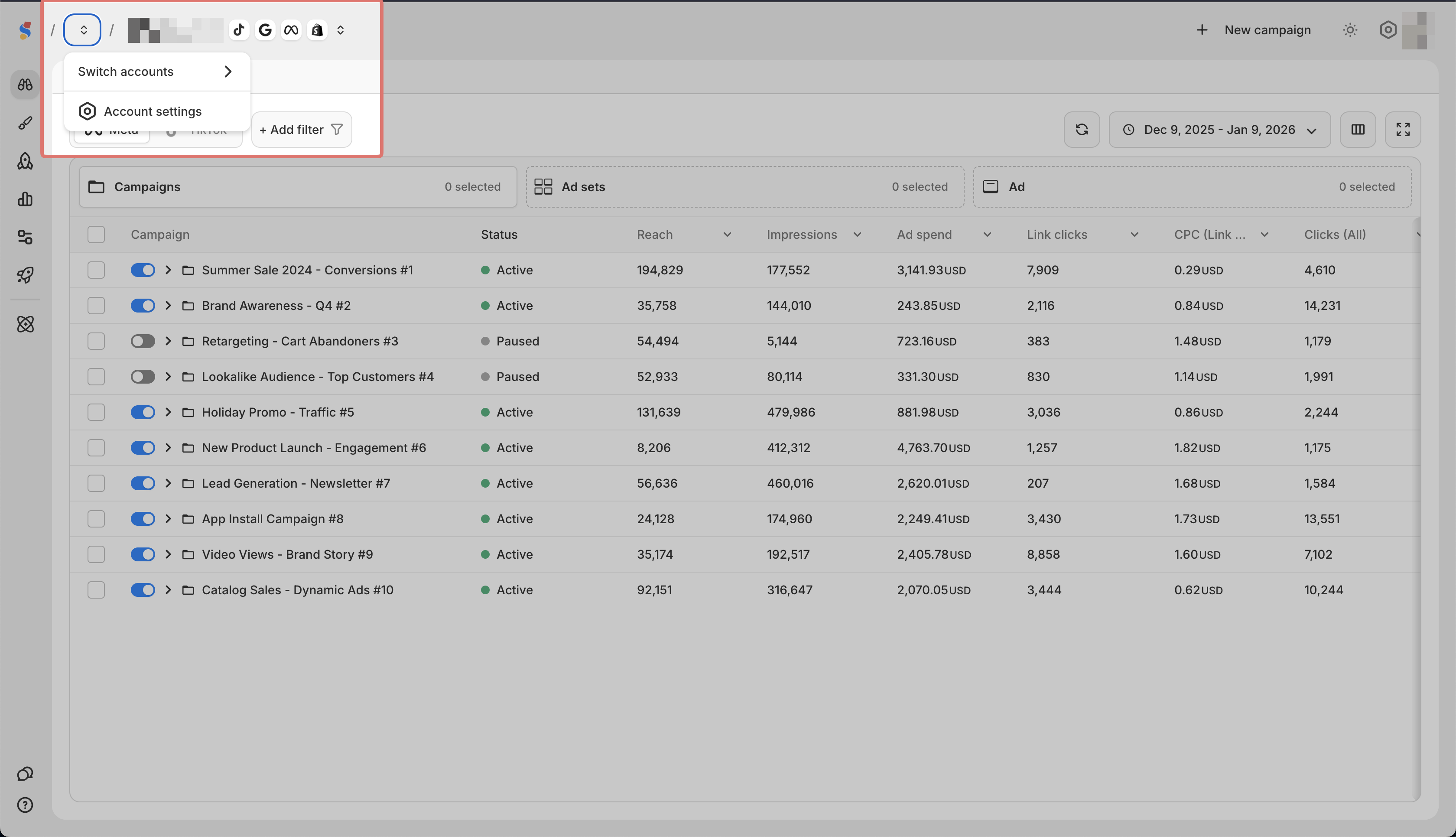
Click your profile icon in the top left to access:
-
Switch Accounts if you have access to multiple accounts
-
Account Settings same as the gear icon
Profile Icon
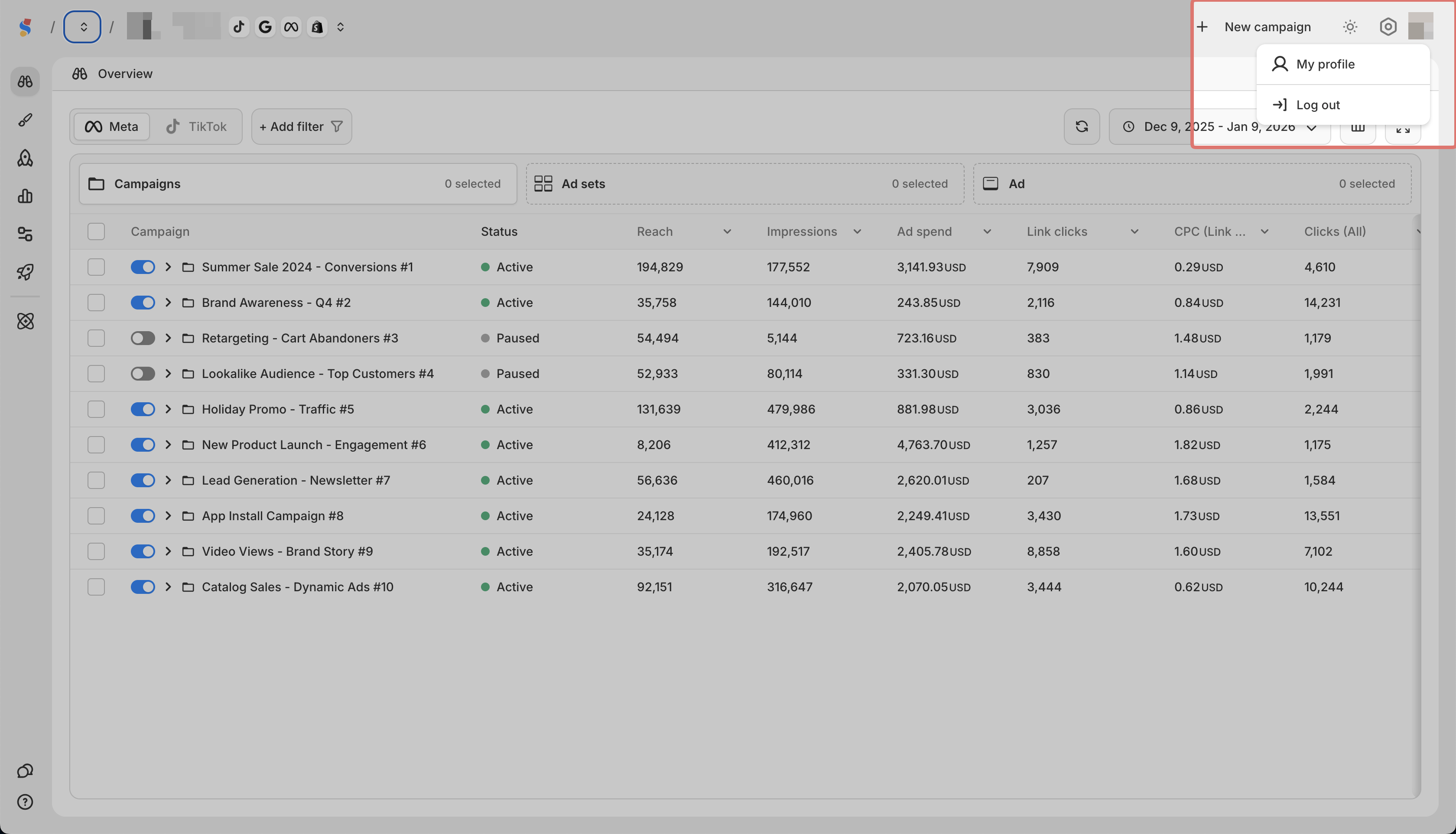
Click your profile icon in the top right to access:
-
My Profile to update your personal details
-
Log Out to sign out